Teaching an AI to draw Pew
Third hands, antennae, white eyes and a sky inside a sewer: what went wrong with the generated art, and the rules that fixed it.
Listen to this post
Read in Dodz's voice, cloned with AI
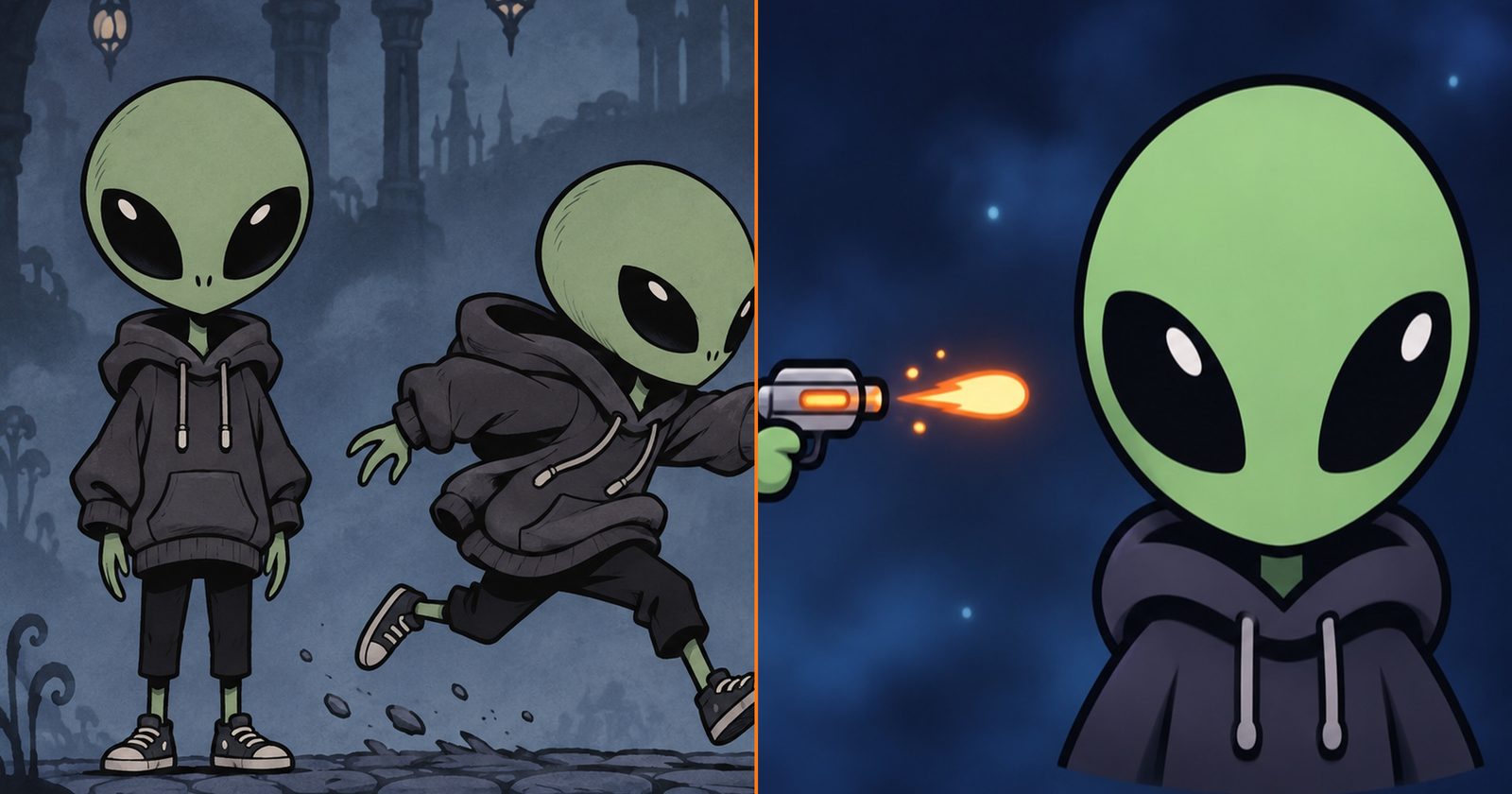
All the concept art for PewRun so far comes from an image model. I describe a scene, a preset adds the style rules from DESIGN.md, and an image comes back. It's fast. It's also wrong in ways I didn't expect, and fixing those mistakes taught me more about Pew than any sketch would have.
The first explorations
Before Pew had a name, I generated a handful of "tiny alien in a rainy city" scenes just to see what would come out.
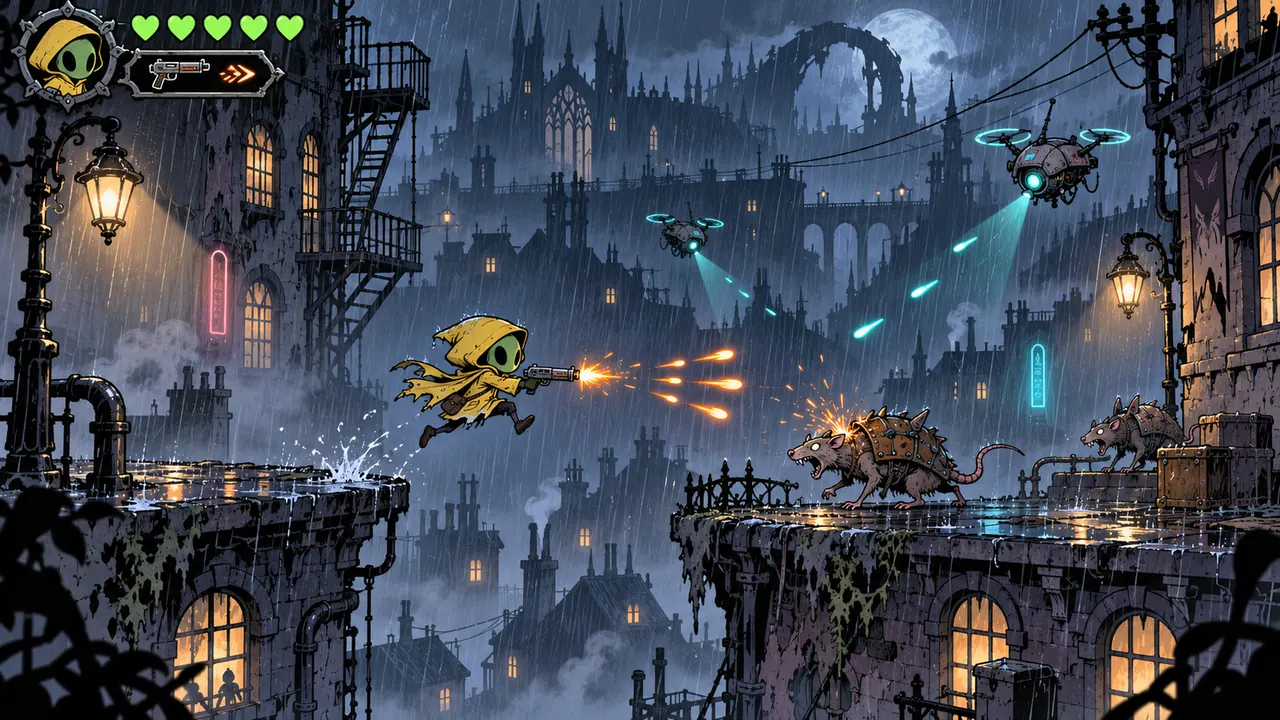
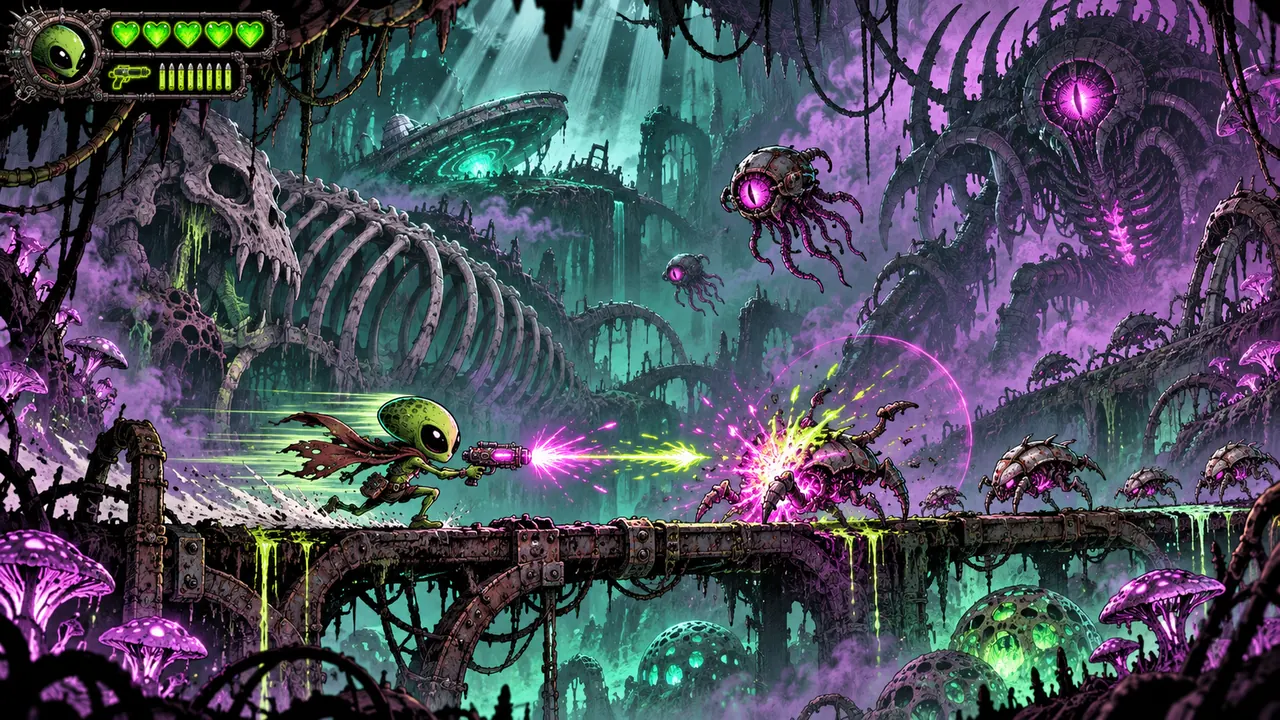
One of them came out looking a lot like the hero of a game I love. That's the danger of saying "inspired by Hollow Knight" to a model: it may just hand you Hollow Knight. Since then, "own characters, symbols and world" is a written rule, and I check every image against it.
Writing Pew down
So I wrote Pew down, as precisely as I could:
- A classic green alien with compact proportions: a head almost as big as the body, short legs.
- A smooth round head, no antennae, ears or horns.
- Black almond eyes, with a single highlight.
- Exactly two hands.
- Right-handed: the gun is always in the right hand.
- A baggy dark grey hoodie with a hood, strings and a kangaroo pocket, black pants, small sneakers.
Every one of those lines exists because an image broke it. The list of mistakes I've seen is in DESIGN.md too: a third hand, antennae, white eyes, pointy ears, a tall and skinny body. Wrong perspective. Wrong text in the logo.
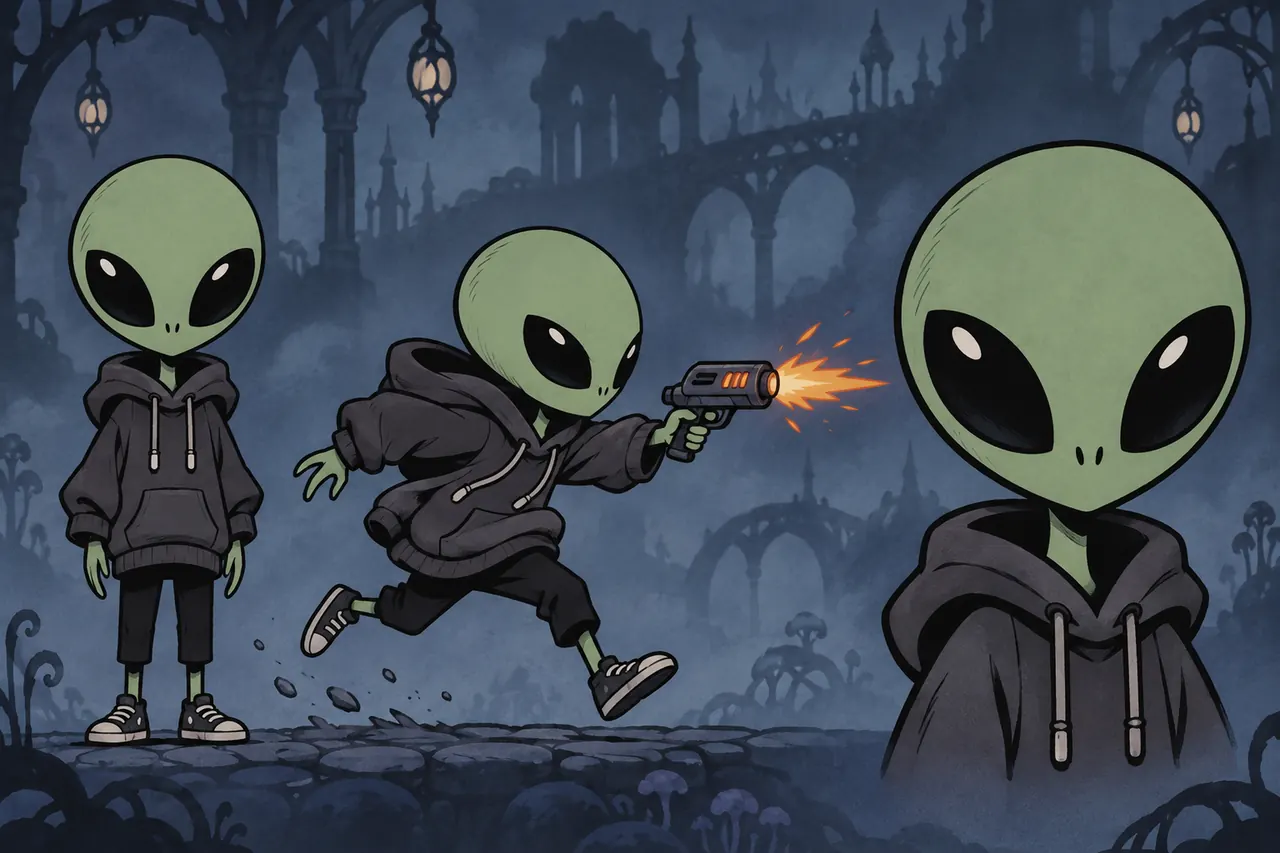 v001
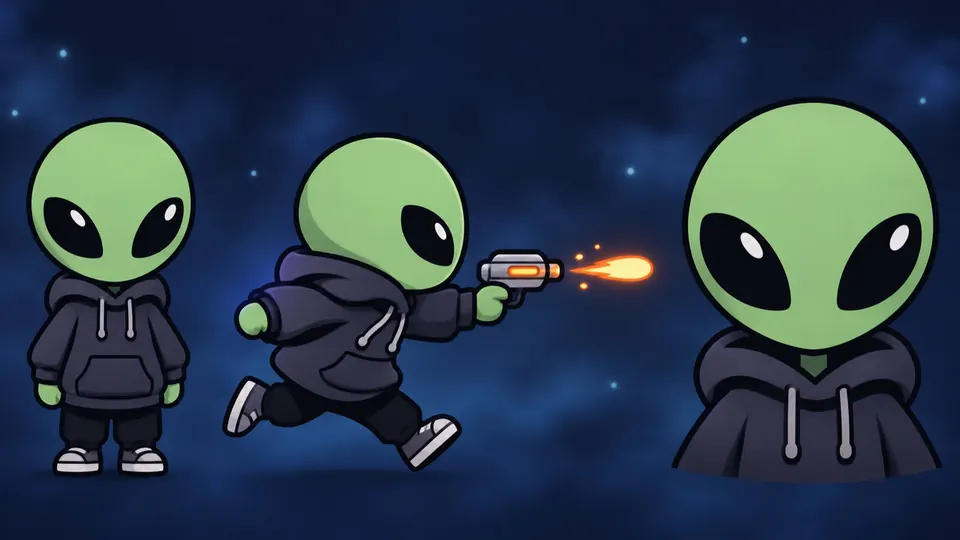 v002 · approved
Negative prompts, and rules for places
Each preset has a negative block. For gameplay scenes it says:
No text or logos. No antennae, ears or extra limbs on Pew. No perspective view, no clutter.
Places needed rules too. The model loves rain and a city skyline, even underground. My first sewer had a bridge and skyscrapers on the ceiling.
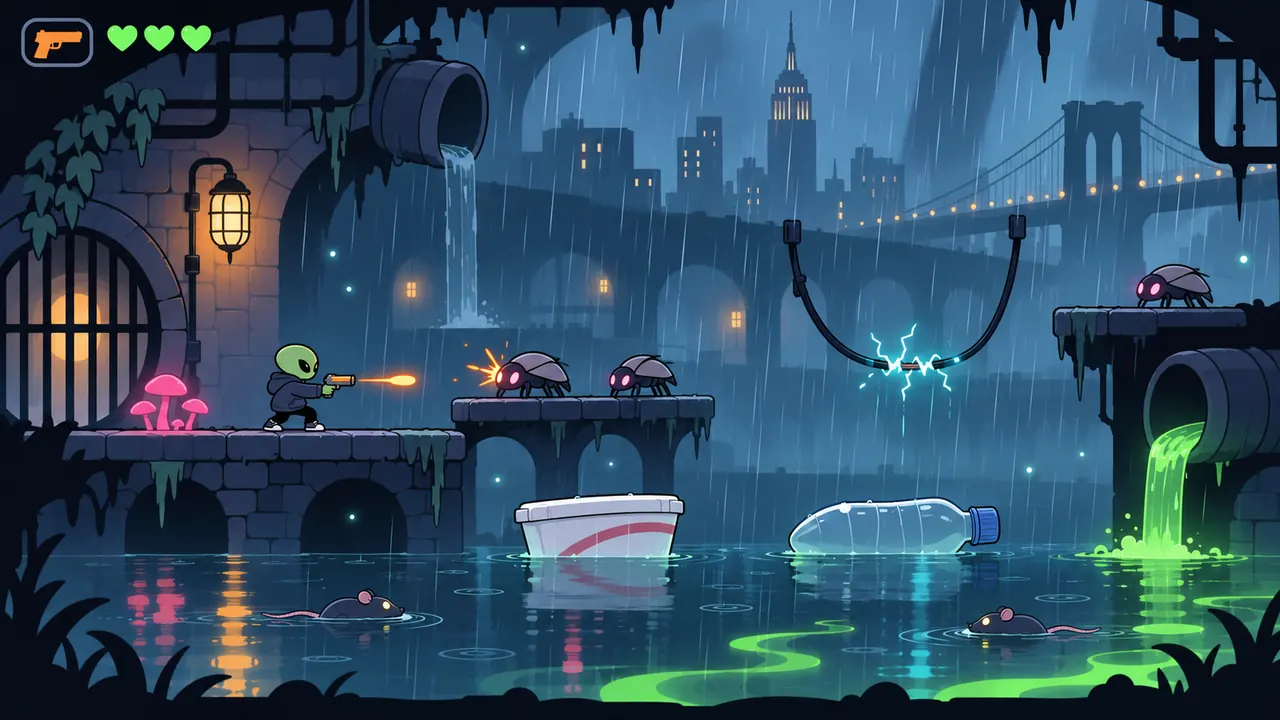 v001
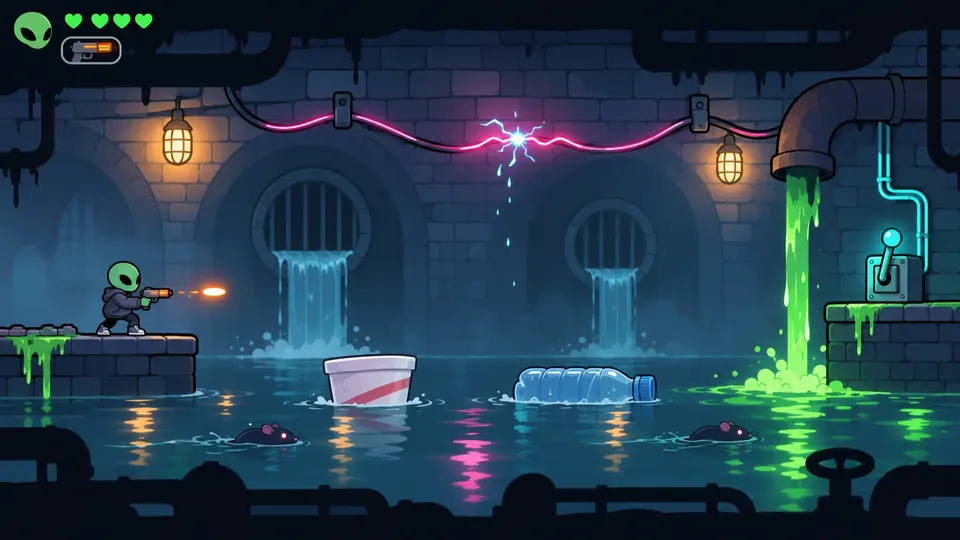 v002
The same went for texture. The first Sewer King was gritty and almost realistic; the style asks for clean shapes and flat colors with soft shading.
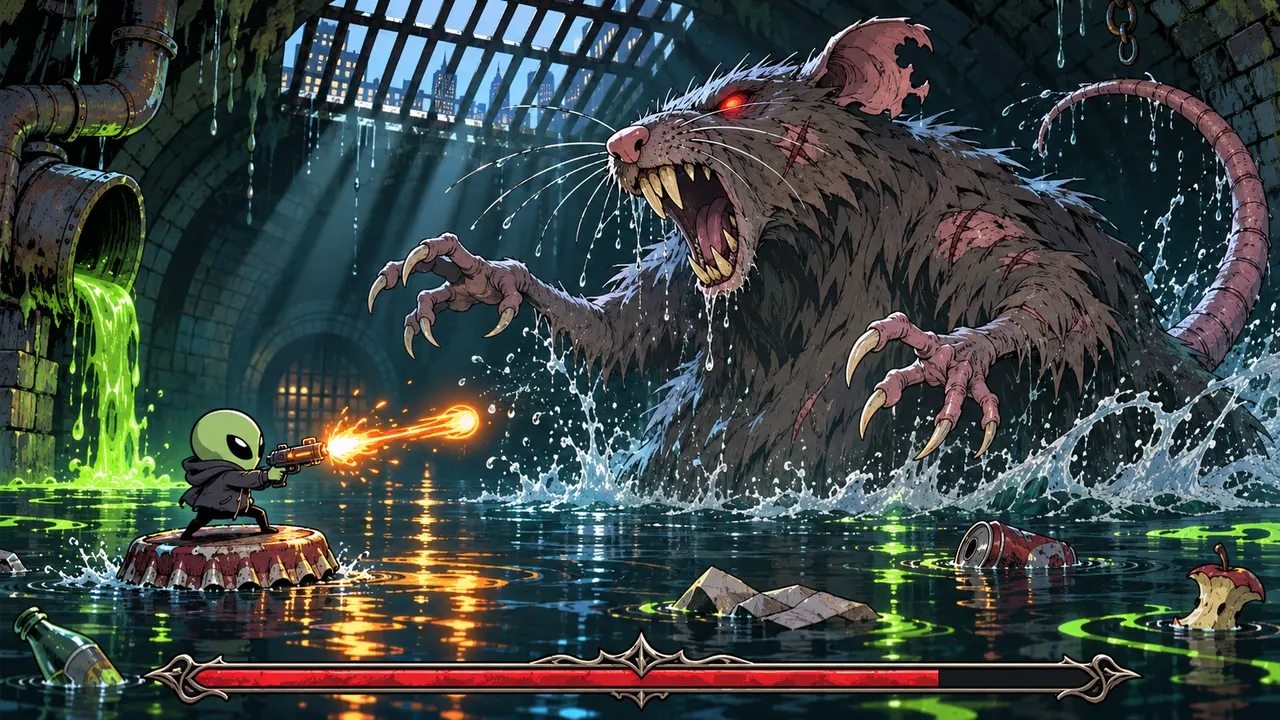 v001
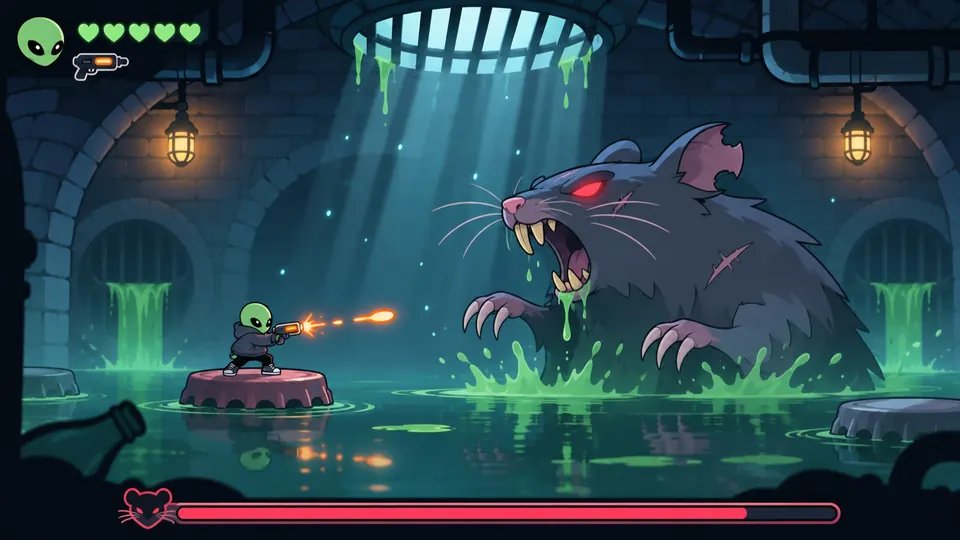 v002
Versions, and letting go
Images are never overwritten. Every new try is saved as _v002, _v003 and so on, and the highest number is the current one. When a new version is approved, the old ones are deleted from the folder with git rm. They stay in the git history, which is where I dug these up from. One commit alone removed 18 superseded images.
The logo went through the same loop:
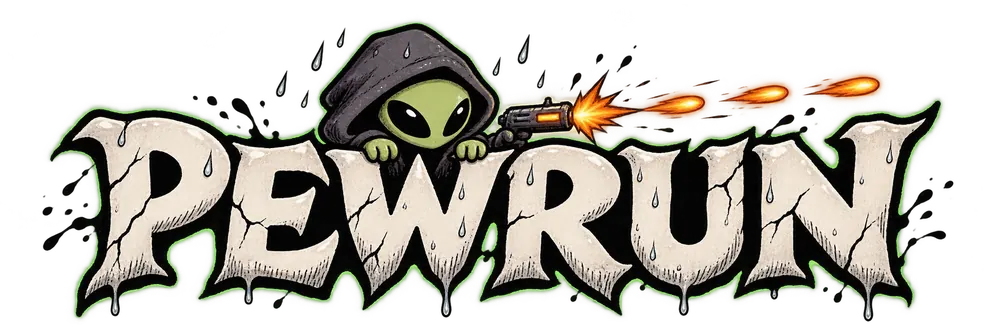 v001
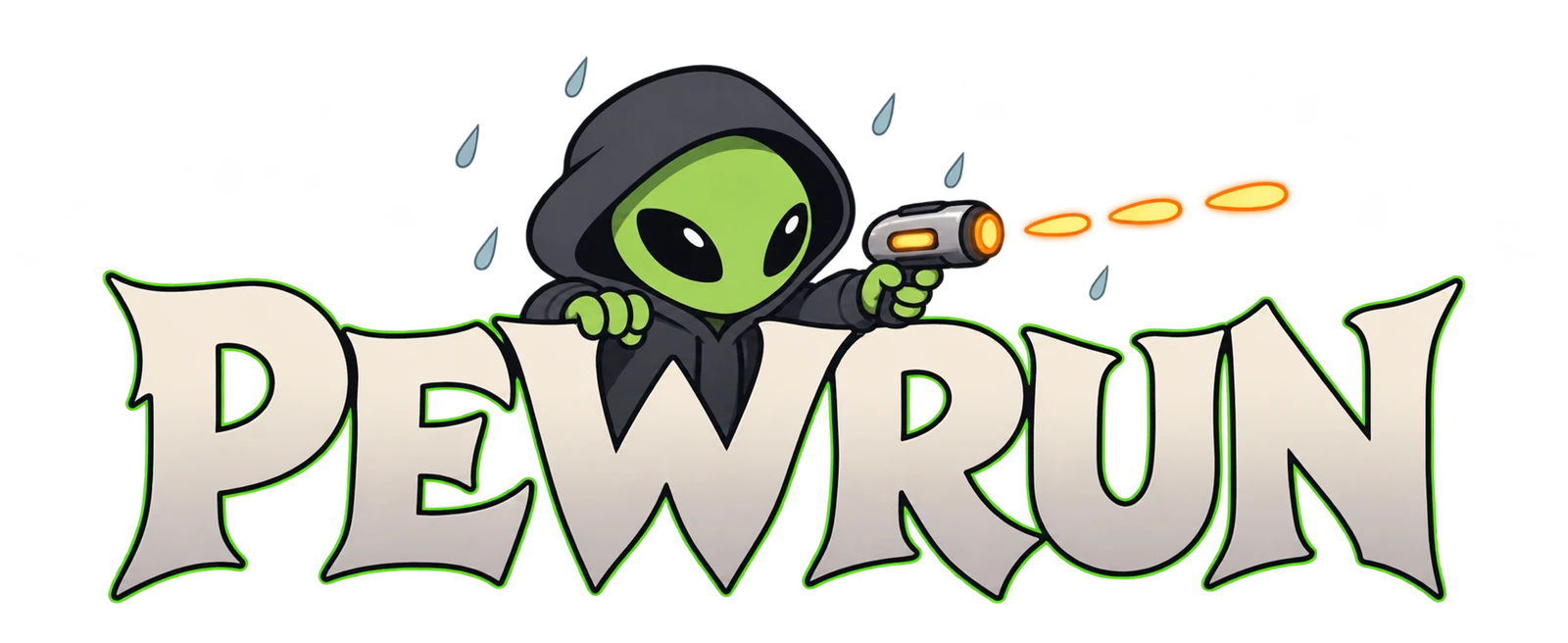 v003 · current
Next, the first thing that actually runs: a title screen in the rain.